Separate workspaces
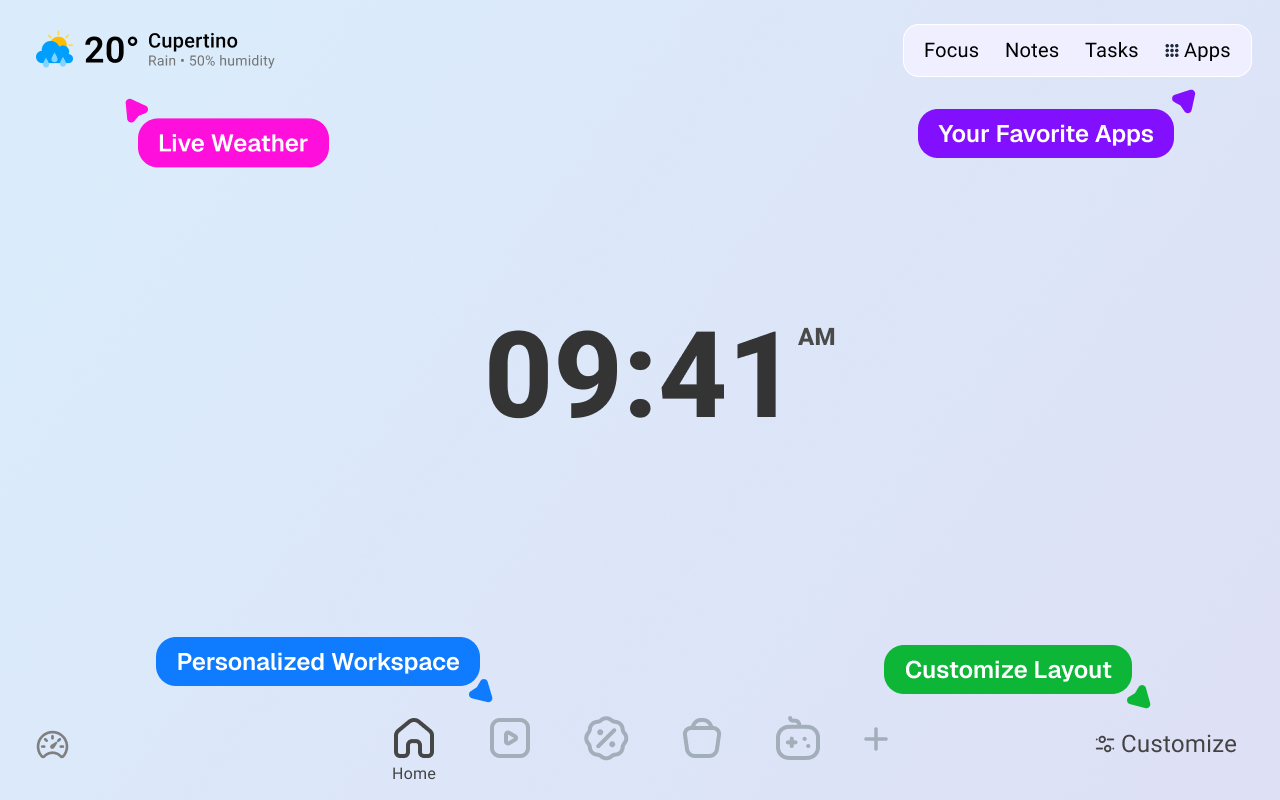
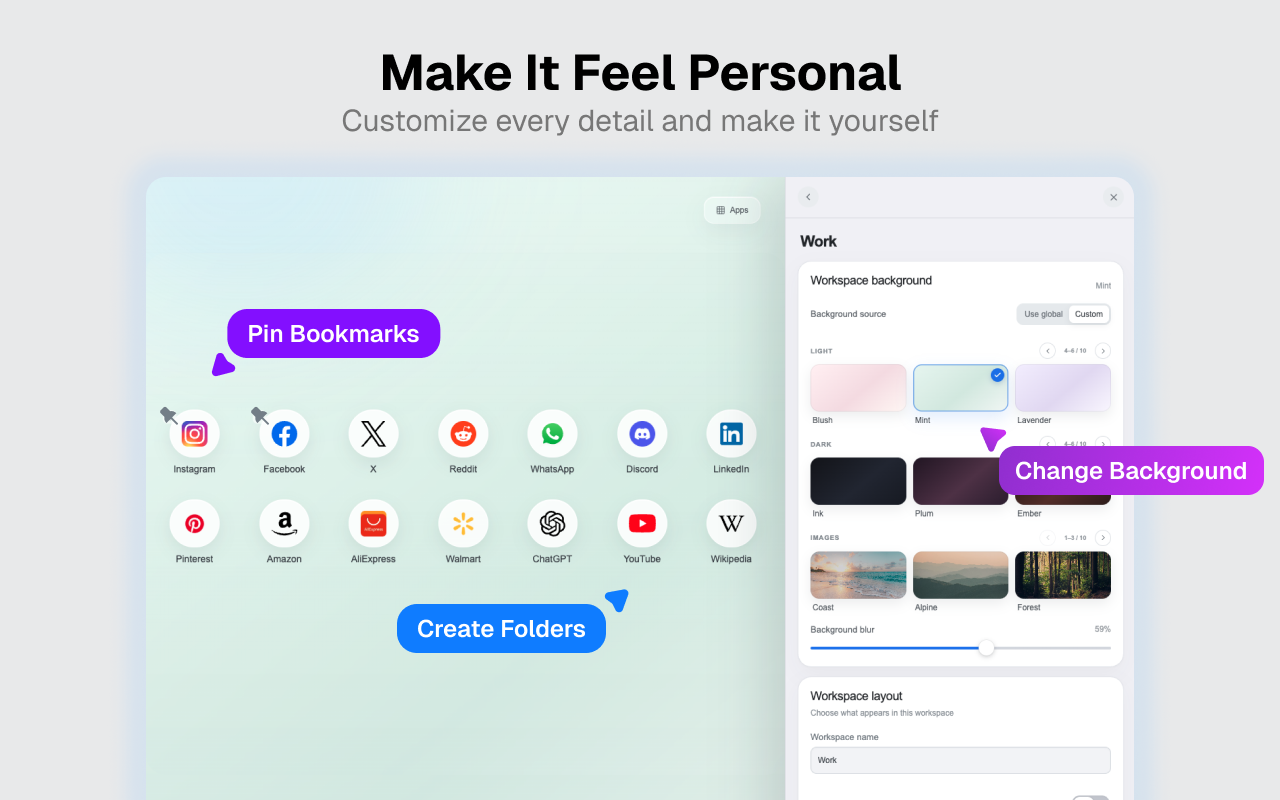
Create focused spaces for work, personal links, shopping, entertainment, or any context you want to keep apart.
 New Tab - Infinity Dashboard
Your browser. Your workspace.
Turn every new tab into a calm, useful workspace with beautiful backgrounds, organized shortcuts, flexible search, live weather, focus sessions, notes, and tasks.
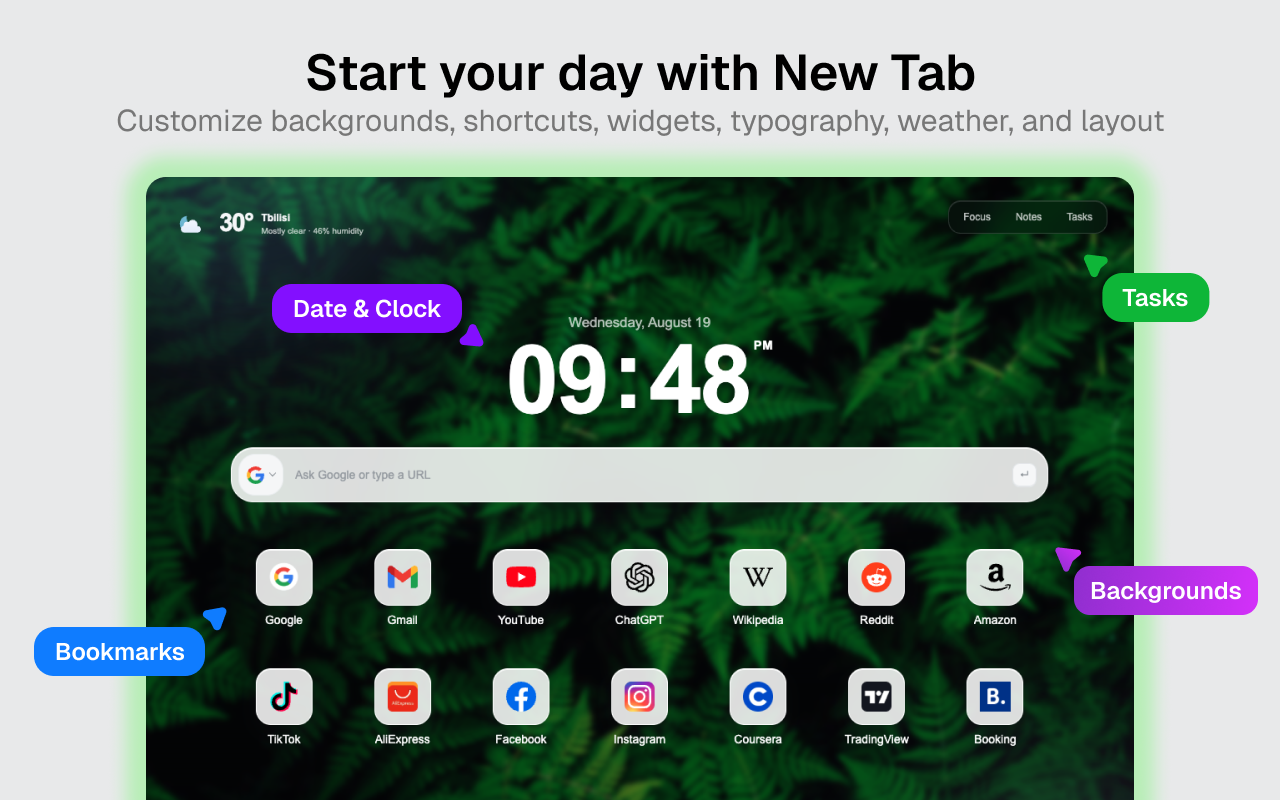
Everything stays within reach
Start simple, then add the tools you actually use. Each workspace can have its own shortcuts, layout, background, and visible widgets.
Create focused spaces for work, personal links, shopping, entertainment, or any context you want to keep apart.
Add favorite sites, reorder them with drag and drop, pin important links, and combine shortcuts into visual folders.
Use the provider selected in your browser or explicitly switch between search engines and AI assistants from the dashboard.
See current conditions and open a detailed forecast with hourly data, extra weather facts, and upcoming days.
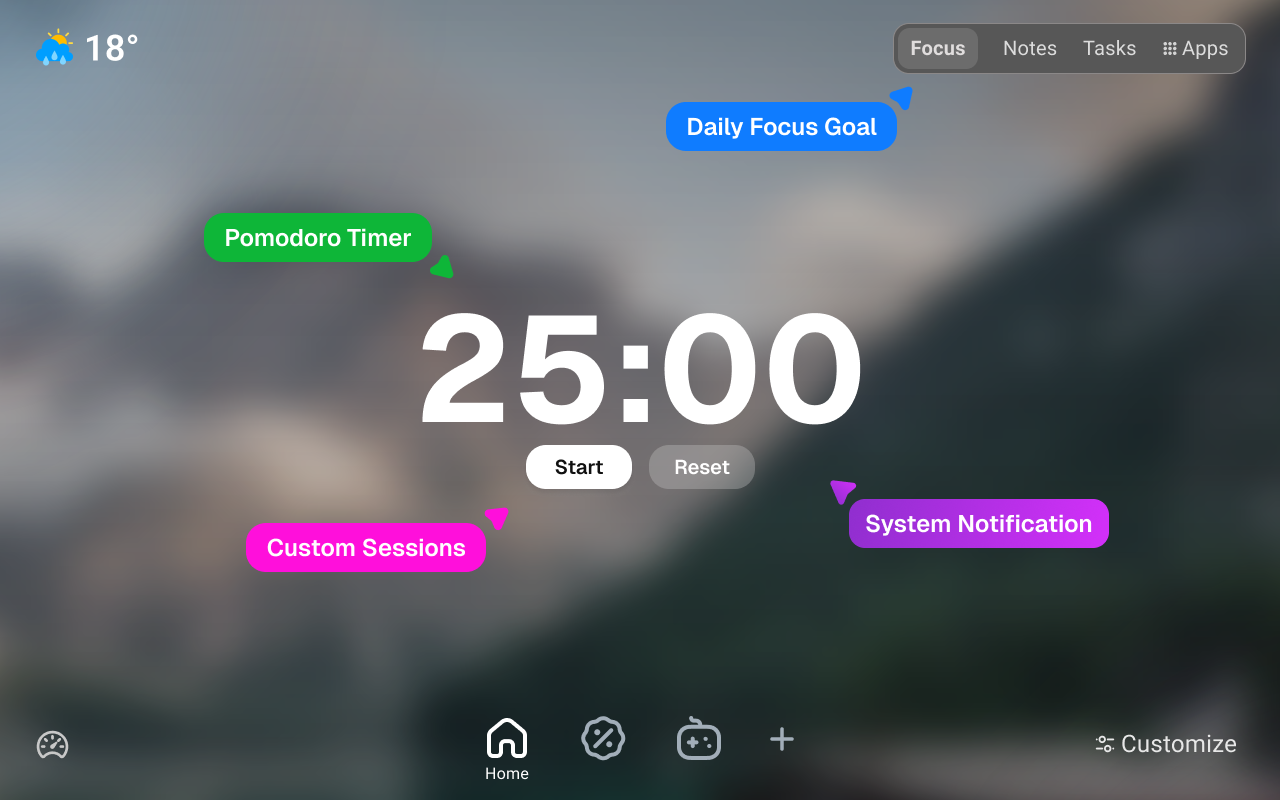
Start a Pomodoro-style focus or break session with configurable timing, calm prompts, progress, and notifications.
Capture a quick note or organize dated tasks, lists, subtasks, completed work, and the next important action.
Flexible by design
Switch between workspaces without rebuilding your setup. Keep every area visually distinct or use one consistent background across all of them.
Fast access
Add a URL manually or choose from popular services. Edit, pin, reorder, group, and remove shortcuts without leaving your New Tab.
Open the dashboard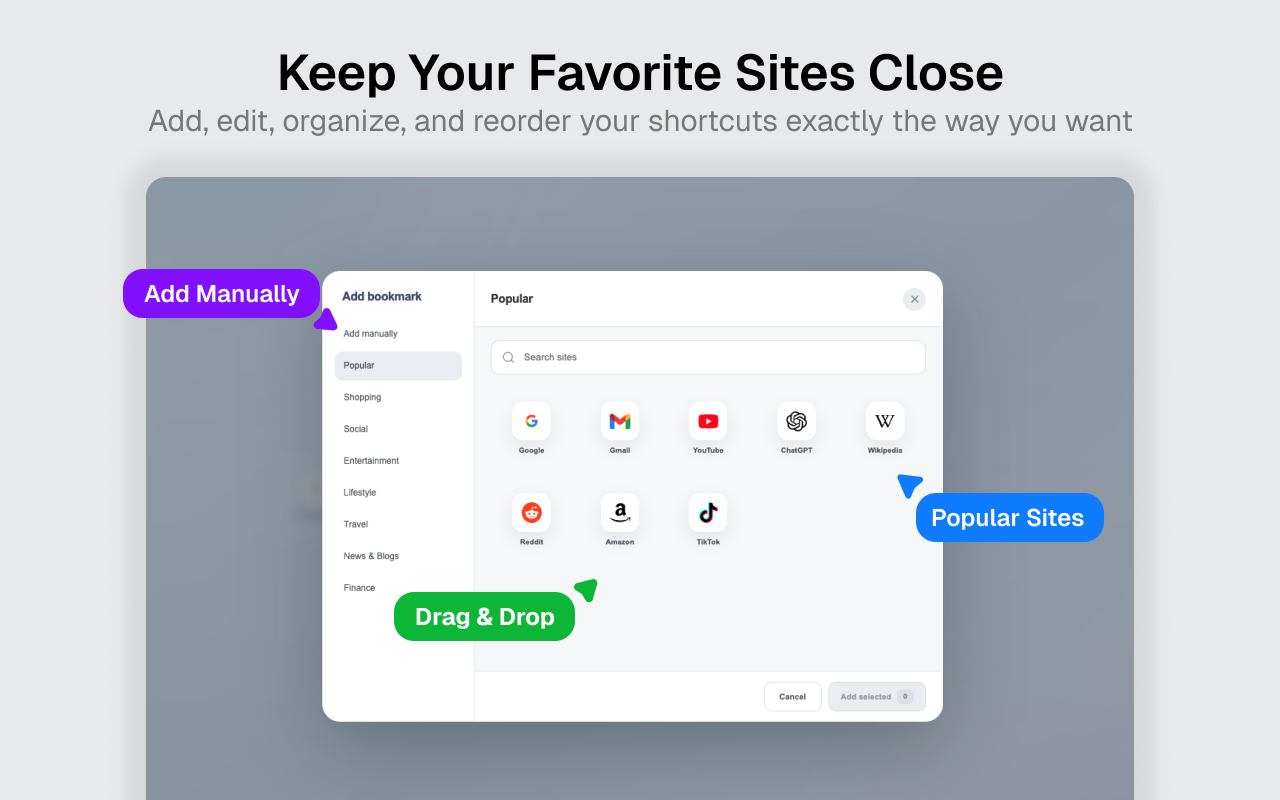
Local-first by default
Workspaces, shortcuts, notes, tasks, focus state, and dashboard preferences are primarily stored in your browser. No account is required to start using the dashboard.
Online features still contact the services needed to deliver the website, weather, images, fonts, favicons, analytics, and destinations you explicitly open.
Read the Privacy PolicyQuestions
It replaces the browser New Tab page with the destination you explicitly choose: the customizable dashboard, a supported browser page, or a custom URL.
No. The dashboard works without an account, and its workspaces, shortcuts, notes, tasks, and preferences are primarily stored in your browser.
Yes. Browser default search is available, and you can also explicitly choose another listed search or AI provider.
Yes. Separate store versions are available for Google Chrome and Microsoft Edge.
Start with your next tab